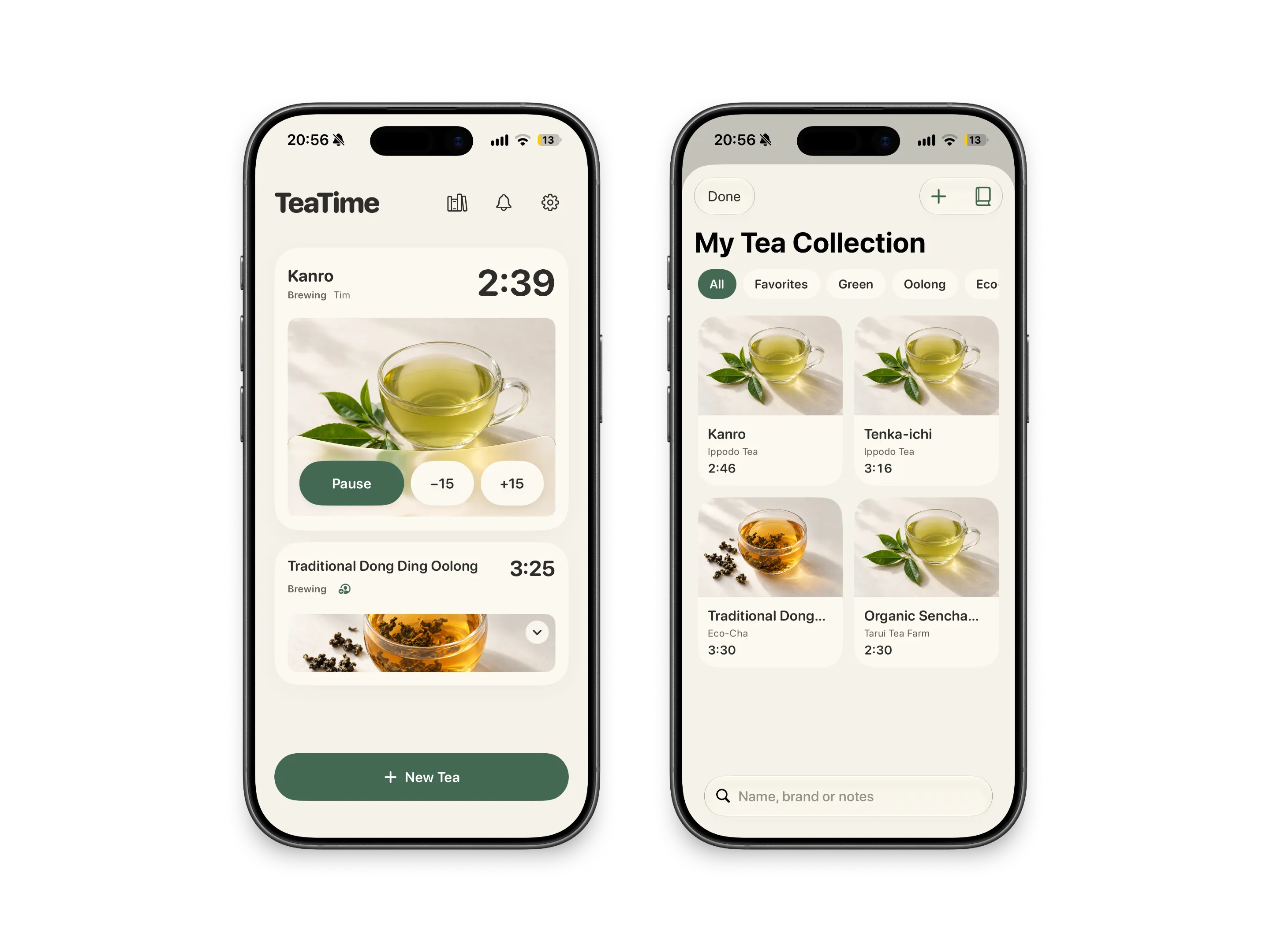
Several teas at once.
Green tea for you, black tea for Alex. Every cup gets its own timer and its own name, and the one that's ready first stays on top.

TeaTime times every cup you brew and lets you know when it's ready. Pip, a little cup, keeps an eye on things while you get on with your day.
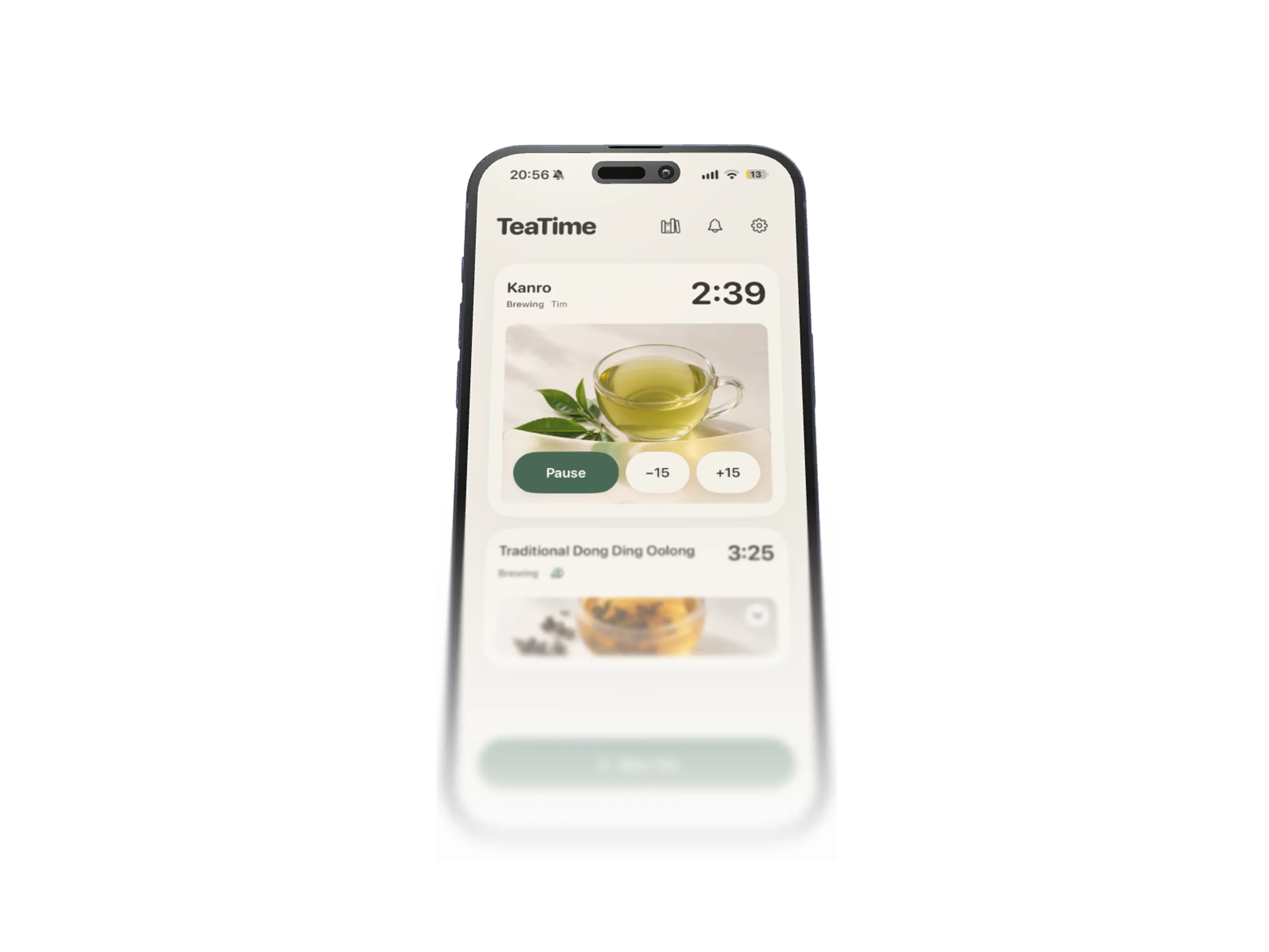
TeaTime runs several teas at once, knows how long each one needs, and tells you the moment your cup is ready. No account, nothing to set up.
Green tea for you, black tea for Alex. Every cup gets its own timer and its own name, and the one that's ready first stays on top.
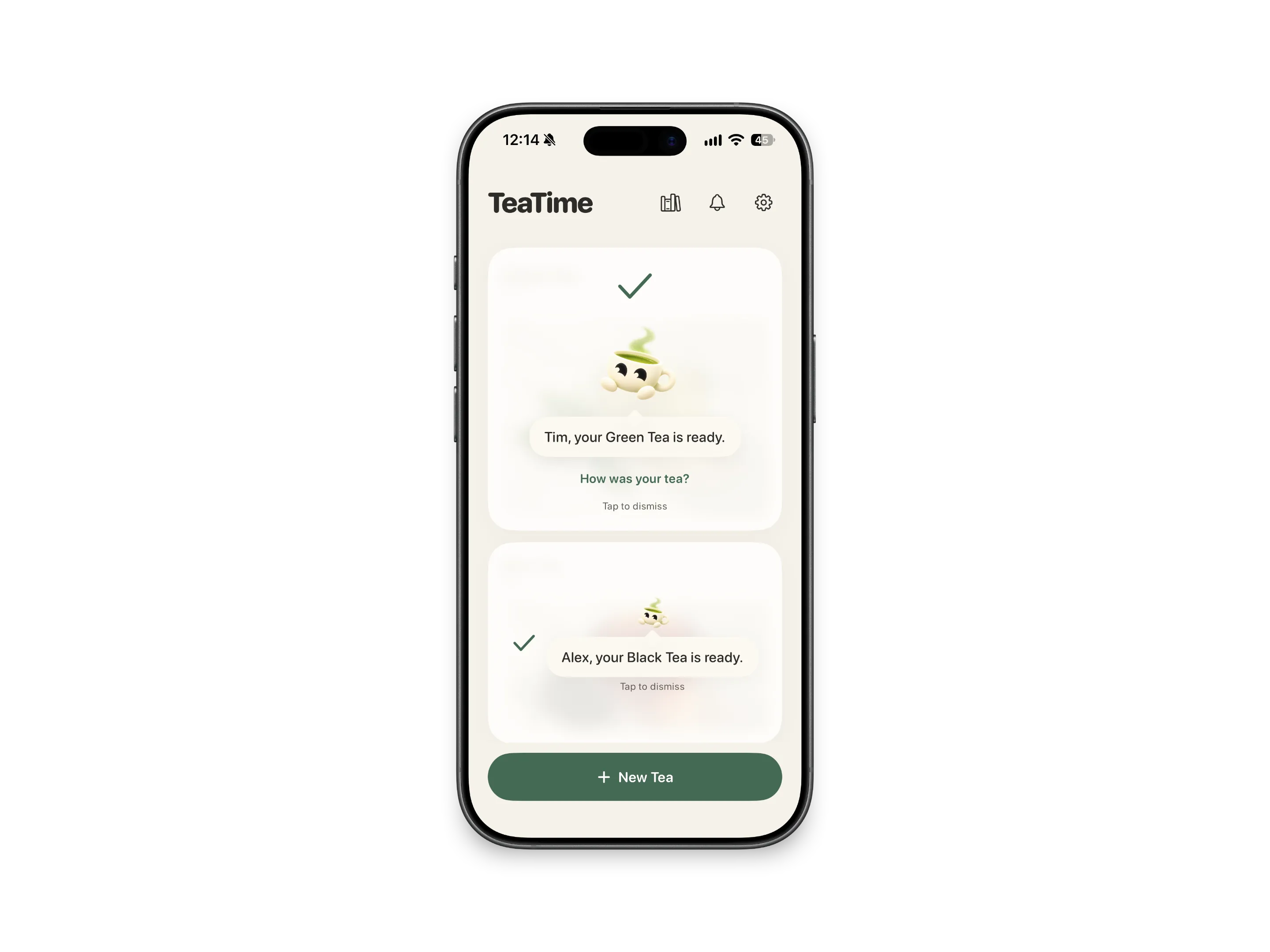
When a cup is ready, Pip says so, by name. You see it on the Lock Screen and in the Dynamic Island too, so you don't have to keep the app open.
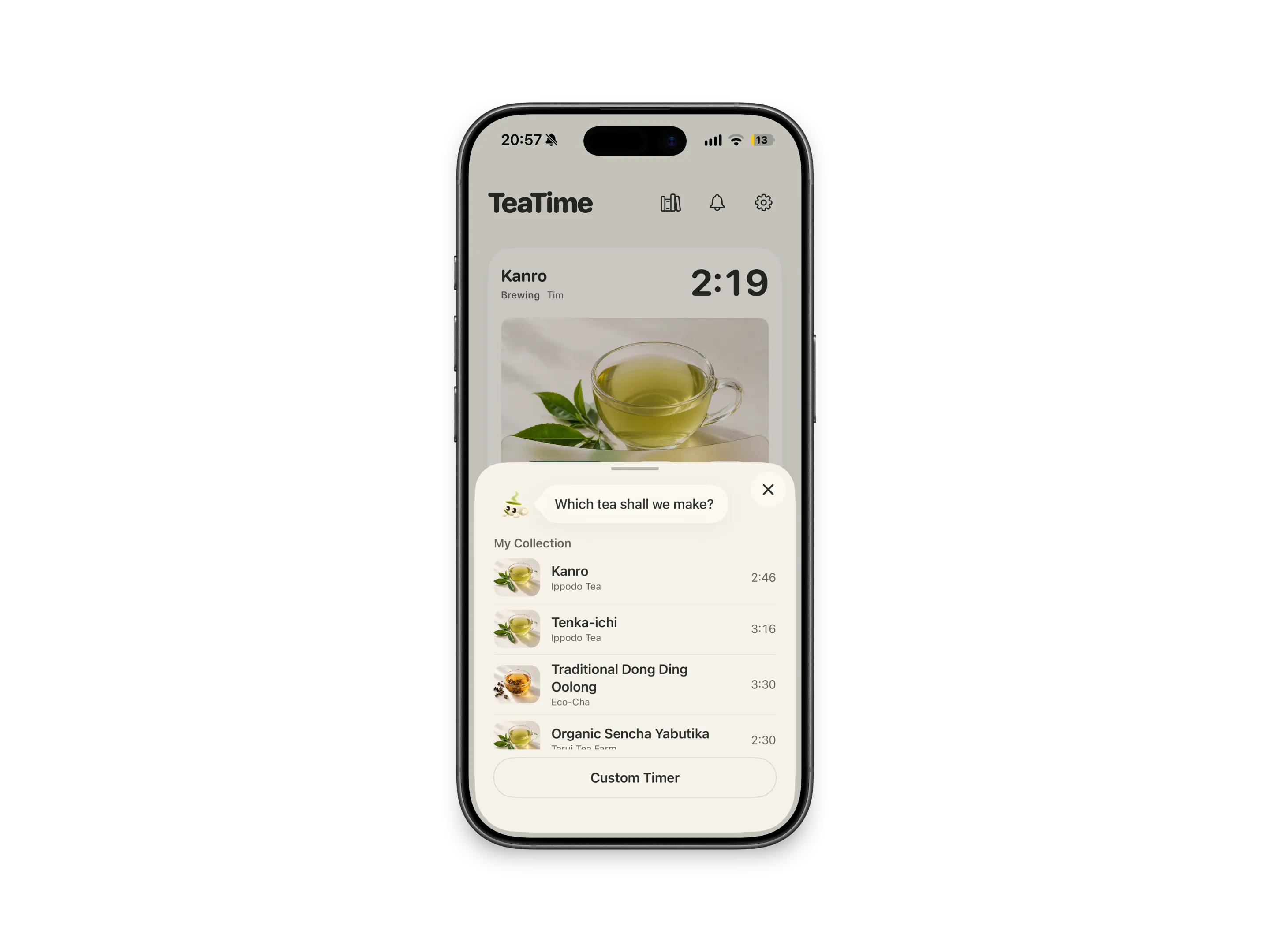
Pick a tea and its steep time comes with it. Add your own teas with a photo and notes, or set a custom timer in 15-second steps.
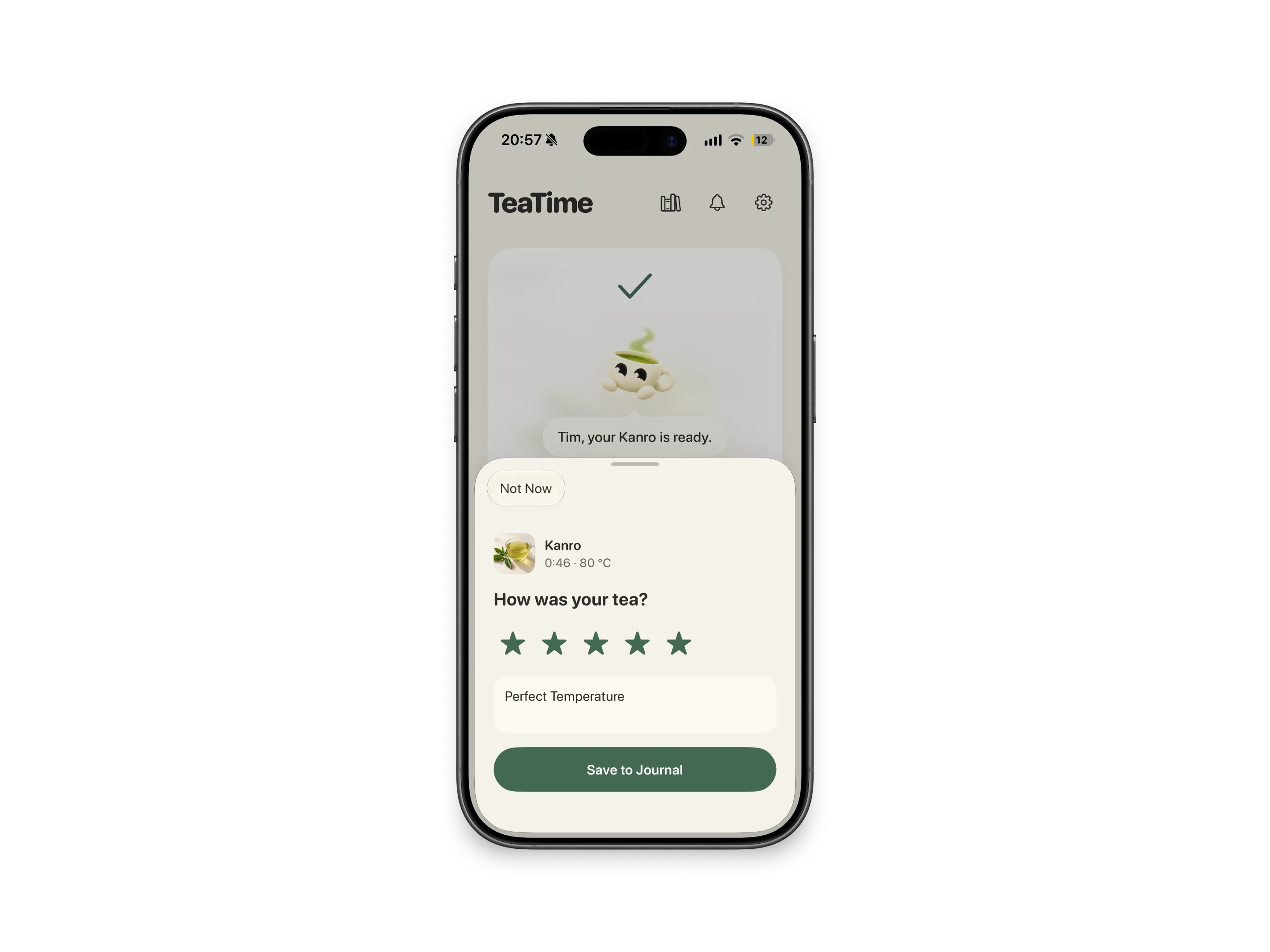
Rate your cups in the brewing journal. After a few ratings, TeaTime suggests the steep time you liked best.
I design and build apps and websites on my own. Tell me what you have in mind.
TeaTime made it to testing on real iPhones. Then I asked whether enough people actually wanted it, and decided not to launch.
SwiftUI, Live Activities, widgets and Pip, from the first sketch to TestFlight.
Before going further, I checked whether people would actually switch to a new tea timer.
Next time I validate the problem first and build the app second.
No. TeaTime never made it to the App Store. I stopped the project in October 2026 because there wasn't enough demand.
No. There was no sign-up, and your teas stayed on your iPhone.
iPhone. TeaTime came with Home Screen and Lock Screen widgets and a Live Activity for the tea that's brewing.
I'm Tim, and I design and build apps on my own under the name one human. TeaTime started as a timer for my daily green tea.